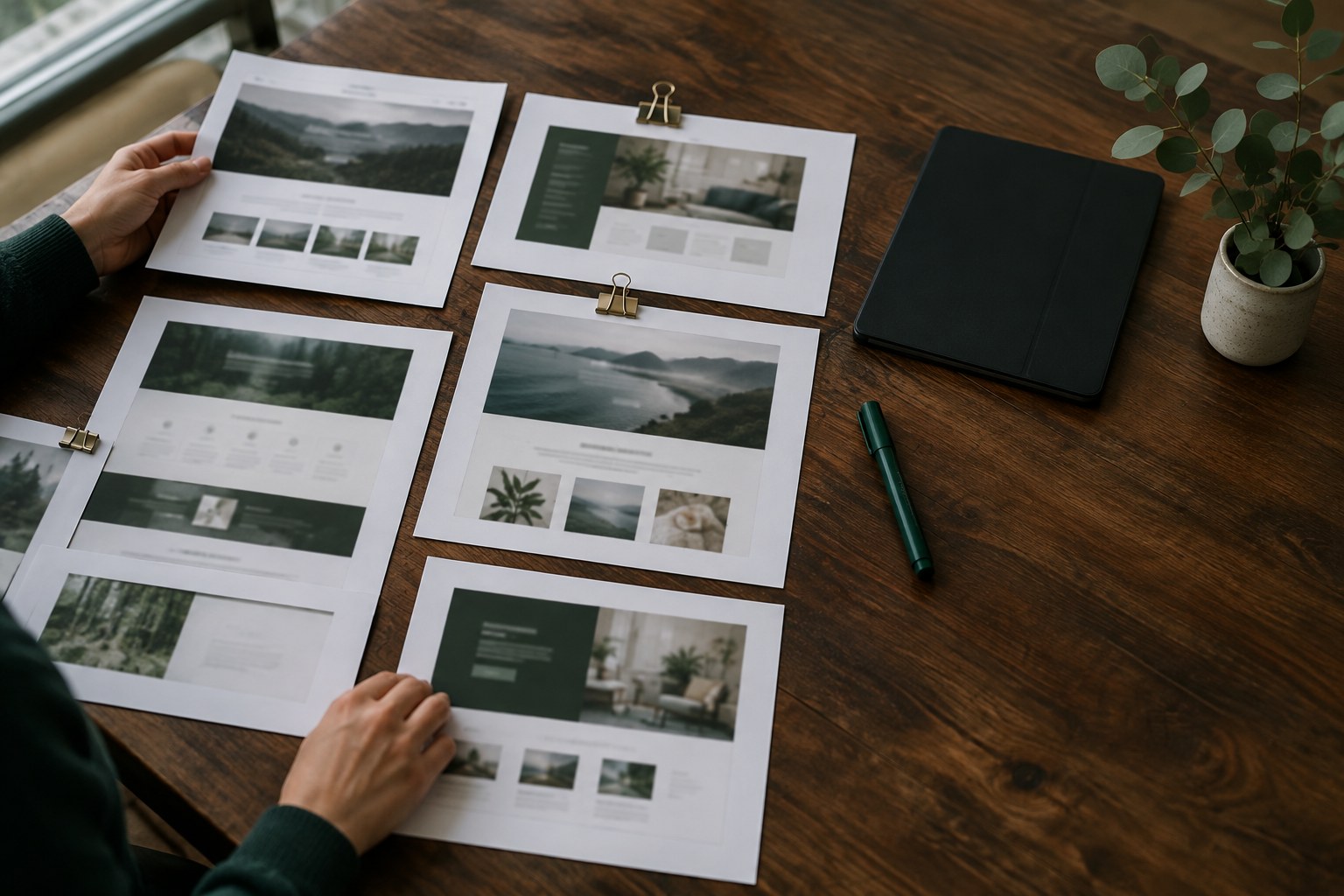
How to use AI to fill your prototypes with realistic content
Use AI to generate believable names, numbers and edge cases so your prototypes show layout problems before real content does.

Most prototypes lie in the same quiet way. Every user is called Jane Doe, every product costs $99, every card title fits on one line, and every list has exactly three items. Then the real content arrives, and the layout that looked finished in review starts to break: names wrap, prices gain decimals, empty lists appear, and a German translation pushes a button onto two lines.
AI tools are good at producing the messy, believable content that exposes these problems early. Used well, they turn a polished mockup into an honest test of your design. Used badly, they fill your screens with confident nonsense that hides the same issues lorem ipsum did. Here is how we use AI to generate realistic prototype content without losing control of it.
Why realistic content matters before handoff
Content shapes layout more than most design reviews admit. A dashboard built around tidy two-digit numbers looks different once it shows 1,284,930. A testimonial card designed for a one-sentence quote struggles with a real customer who writes a paragraph. When you test with real-looking content, you find these problems while they are still cheap to fix.
It also changes the conversations you have. Stakeholders react to "Maria from a 12-person accounting firm" in a way they never react to "User Name". Developers get a clearer picture of edge cases. Usability test participants stop commenting on placeholder text and start using the product.
Start with a content brief, not a prompt
The quality of generated content depends on what you tell the model about the product. Before you ask for anything, write a short content brief you can reuse across every request. Keep it to a few lines:
- Product and audience: what the product does and who uses it, in one or two sentences.
- Region and language: where users live, which currencies, date formats and name conventions apply.
- Tone: how the product talks, and how users write when they leave reviews or messages.
- Constraints: character limits, required fields, and anything the content must never include.
Paste this brief at the top of each request. It keeps names, prices and tone consistent across screens, which matters when the same customer appears on a list view, a detail page and an email.
Ask for structured data you can drop into your tools
Prose is hard to use in a prototype. Ask for structured output instead: a table, CSV or JSON with one row per item and one column per field. For example, ask for 30 customer records with name, company, role, city, plan, monthly spend and last active date, formatted as CSV.
Structured data plugs straight into the tools you already use. In Figma, data-fill plugins can map columns to text layers across repeated components. In Framer, you can paste CSV into a CMS collection and bind fields to a list or detail page. Either way, you update the content in one place instead of retyping it card by card.
Generate the edge cases on purpose
The default output from any model trends toward average: medium-length names, round numbers, tidy sentences. That is exactly the content that hides layout problems. Ask for the extremes directly, and label them so you can find them later:
- The longest realistic value for each field, such as a double-barrelled surname or a product title near your character limit.
- The shortest value, including single-word names and one-line reviews.
- Missing data: no avatar, no description, an empty order history.
- Large numbers, negative balances, zero states and values with many decimal places.
- Translated strings in a longer language like German or Finnish, and a right-to-left language if your product supports one.
Put a few of these edge cases on every key screen. If a layout survives the longest name, the empty state and the German translation, it will usually survive production.
Keep the numbers believable
Models are good at text and less reliable with numbers that need to add up. A generated invoice may show line items that don't match the total, or a chart with percentages that sum to 112. In a prototype, these errors distract reviewers and can make their way into specs.
For anything that has to be internally consistent, ask the model for the raw values only and calculate the totals yourself, either in a spreadsheet or in a small script. Check a sample of dates as well: weekdays that don't match the date, or "last active" timestamps in the future, are common slips.
Watch for the risks
Realistic content brings a few risks that placeholder text never had. Keep these rules in mind:
- Never use real customer data in prompts or prototypes unless your client has explicitly allowed it. Generated data exists precisely so you don't need to.
- Avoid real people and companies. Ask for fictional names and businesses, and do a quick check that a "fictional" company isn't actually a real brand.
- Check for bias. If every engineer is a man and every assistant is a woman, ask the model to vary names, roles and backgrounds across regions.
- Mark it as sample content. Label generated copy in your files so nobody mistakes a draft testimonial for a real quote and ships it.
Reuse your content set across the project
Once you have a good content set, treat it as a project asset. Store the brief, the prompts and the generated CSV files in the same folder as your design files. When the client adds a feature, extend the existing set rather than starting over, so the same fictional customers keep appearing across screens.
This also helps at handoff. Developers can use the same records as seed data for staging, and QA can test against the same edge cases you designed for. One shared content set means fewer surprises between design review and launch.
Placeholder content tells you what a screen looks like on a good day. Realistic content tells you what it looks like on a normal one.
Conclusion
AI won't write your final copy, and it shouldn't. What it does well is fill a prototype with believable, varied, structured content in minutes, including the awkward cases that break layouts. Start with a short content brief, ask for structured data, request edge cases on purpose, verify the numbers yourself, and keep the result as a reusable project asset. Your prototypes will look less perfect in review, and that is the point: the problems show up while you can still fix them.