How to use AI to run competitor research before a redesign
A practical workflow for using AI to collect, sort and compare competitor websites, while you keep control of the questions and the design decisions.
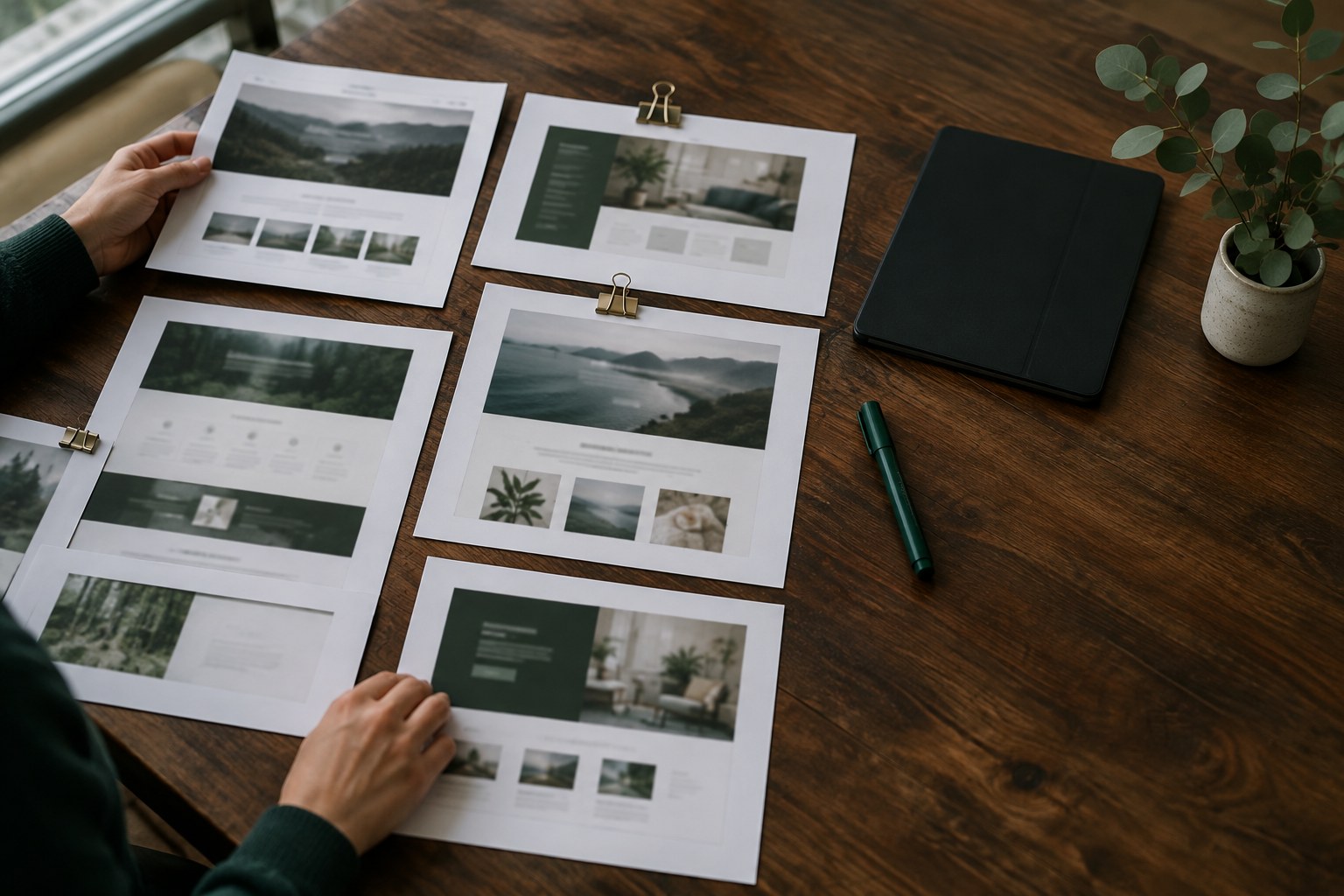
Most redesigns start with the same request: "Can you look at what our competitors are doing?" Then the research turns into forty open tabs, a folder of screenshots nobody labels, and a slide that says "Competitor A has a cleaner hero." It takes days and rarely changes a design decision.
AI tools can do a lot of the slow part for you: collecting, sorting and comparing. What they cannot do is decide what matters for your client. This guide shows a workflow we use to get from a list of competitor URLs to a short, useful research summary in an afternoon, with you staying in charge of the judgement calls.
Start with the question, not the competitor list
Competitor research goes wrong when it has no question behind it. Before you open a single site, write down what the redesign needs to decide. Good research questions are narrow and tied to a page or a decision:
- How do competitors explain pricing to first-time visitors?
- What proof do they show above the fold, and what kind (logos, numbers, quotes)?
- How many steps does it take to book a demo or start a trial?
- What language do they use for the same feature our client sells?
Pick two or three questions. Share them with the AI at the start of every session so its output stays focused. A prompt that begins with "We are redesigning a pricing page and need to decide X" gets far better results than "Analyse these websites."
Build a small, honest competitor set
Ask your client for their real competitors, then add two or three you find yourself. Five to eight sites is enough. Mix three types:
- Direct competitors that sell the same thing to the same people.
- Indirect competitors that solve the same problem a different way.
- One or two outside references from another industry that handle the same pattern well, such as a clear onboarding flow or a strong comparison table.
AI can help you widen the list. Describe the client's product and audience and ask for companies that target the same customer. Then check every suggestion yourself. Models sometimes name companies that have closed, rebranded or never existed, so treat the list as leads, not facts.
Collect the raw material yourself
This is the step people try to skip, and it is where most AI-led research falls apart. If you ask a chatbot "What does Competitor X's homepage say?", it may answer from old training data or guess. Give it the real material instead.
For each site, capture:
- Full-page screenshots of the pages tied to your questions (home, pricing, signup, one feature page).
- The copied text of those pages, pasted into a plain document with the URL and date at the top.
- A short screen recording of the main flow, such as starting a trial, if the question is about steps.
Keep everything in one folder per competitor. Dating each capture matters: sites change often, and you want to know what you were looking at when a client asks about it three weeks later.
Let AI do the sorting and tagging
Now the AI earns its place. Upload the screenshots and pasted text for one competitor at a time and ask for structured output, not opinions. For example:
Here is the pricing page text and screenshot for Company A, captured today. List every plan name, price, billing option, and the three features each plan highlights first. Then list every form of proof on the page (logos, numbers, testimonials, badges). Use a table. Do not add anything that is not on the page.
Run the same prompt for each competitor so the tables line up. The last line is important: asking the model to stay on the page cuts down on invented details. Still spot-check each table against the screenshot. It takes a few minutes and catches the occasional wrong price or missed plan.
Multimodal models are good at describing layouts too. Ask them to note the order of sections on a page, where the main call to action sits, and how many choices a visitor sees before they can act. That gives you a comparable outline of every page without redrawing wireframes by hand.
Compare patterns across the whole set
Once you have one table per competitor, paste them all into a single conversation and ask for a comparison against your original questions. Useful prompts include:
- "Which patterns appear on most of these pricing pages, and which appear on only one?"
- "Group the headline copy by the main benefit it promises."
- "Where does each signup flow ask for payment details, and how many fields come before it?"
Patterns that appear everywhere tell you what visitors in this market already expect. Patterns that appear once are where you might find an idea worth testing, or a mistake to avoid. The AI is fast at spotting both; you decide which is which.
Turn findings into design decisions
A research summary is only useful if it changes the work. For each question you started with, write one short block:
- What we saw: two or three sentences, with screenshots.
- What it means for us: your interpretation, in plain words.
- What we will do: a concrete design decision or a test.
AI can draft the first part from your tables. Write the second and third parts yourself. That is where your experience and knowledge of the client come in, and it is what the client is paying for. If you let the model write the recommendations, you tend to get generic advice like "build trust with social proof", which nobody can act on.
Watch for the usual traps
A few problems come up again and again when designers lean on AI for research:
- Copying the average. If every competitor has the same hero layout, the AI summary will make it look like the right answer. Sometimes it is. Sometimes it is just the reason the whole market looks the same.
- Stale data. Never ask a model about a competitor's current site without giving it current captures.
- Confident numbers. Traffic, conversion or revenue figures from a chatbot are guesses unless they come from a source you can check.
- Private material. Check your client agreement before uploading anything that is not public, and use tools with settings that keep your uploads out of model training.
Keep the research reusable
Store the competitor folders, the prompt you used and the final summary together. When the client comes back six months later for the next phase, you can recapture the same pages, run the same prompts and see what changed. That turns a one-off task into something you can offer as a small paid update.
In short: you choose the questions and collect the evidence, the AI sorts and compares it, and you make the calls. Done this way, competitor research takes an afternoon instead of a week, and the client gets a short document that explains why the redesign looks the way it does.