How to choose an ergonomic chair for long design days
What actually matters in an office chair for design work: fit, seat depth, armrests, lumbar support, warranty, and how premium and budget chairs compare.
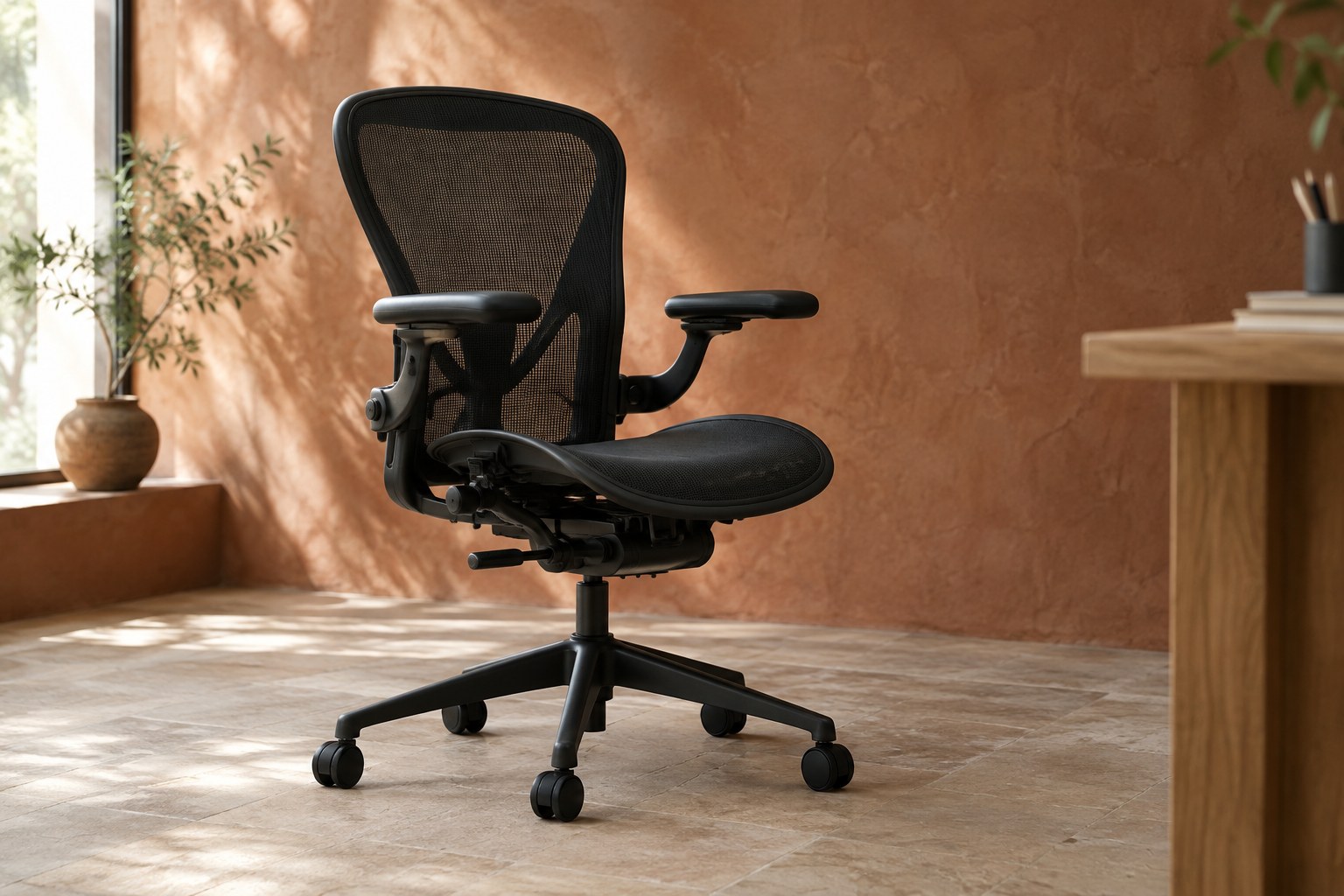
Designers spend more hours sitting than almost anyone else on a project. We sit through long Figma sessions, client calls, Framer builds and late fixes before a launch. Most of us put serious thought into monitors, keyboards and laptops, then work from whatever chair happened to be in the room.
A good chair won't fix every posture problem, but the wrong one makes long days harder. This guide covers what actually matters when you choose a chair for design work, how to test one, and how premium and budget options compare.
Fit matters more than the brand
The best chair is the one that fits your body and your desk. A highly rated chair that is too deep or too tall for you will feel worse than a cheaper one that fits. Before you look at models, measure three things:
- Your desk height: most fixed desks sit around 72–75 cm. Your chair needs to let your elbows rest close to desk height with your feet flat.
- Your thigh length: this decides the seat depth you need.
- Your weight: check the rated capacity, especially on budget chairs.
Some premium chairs come in sizes rather than one size with more adjustment. The Herman Miller Aeron, for example, comes in sizes A, B and C, with seat depths of about 16, 17 and 18.5 inches. Picking the right size matters as much as picking the model.
Seat depth and height
When you sit all the way back, you want roughly two to four fingers of space between the front edge of the seat and the back of your knees. Too deep, and you slide forward and lose back support. Too shallow, and your thighs carry less of your weight.
An adjustable seat depth (a sliding seat pan) is the easiest way to get this right if you share the chair or aren't sure of your size. Seat height should let your feet rest flat with your knees roughly level with your hips. If your desk is too high for that, a footrest is a cheap fix.
Armrests that move where you need them
Design work is mouse-, trackpad- and stylus-heavy, so armrests matter more than many people think. Arms that are too high push your shoulders up; arms that are too wide pull your elbows out. Look for arms that adjust in several directions:
- Height, so your forearms rest at desk level.
- Width, so they sit close to your body.
- Depth, so they don't hit the desk edge.
- Pivot, so they follow your forearm angle when you use a tablet or mouse.
Reviewers often call these "3D" or "4D" arms. If a chair only offers fixed arms, make sure they sit below desk height or can be removed.
Lumbar support and recline
Lumbar support should meet the curve of your lower back without pushing you forward. Adjustable height is the minimum; adjustable depth or firmness is better. The Steelcase Leap, for example, combines height-adjustable lumbar with a firmness control for the lower back.
Recline matters too. Leaning back slightly during calls, reviews or reading reduces load on your spine. Look for a tilt you can lock at a few angles and a tension control so the chair supports you instead of throwing you back.
Mesh or foam
Mesh backs and seats stay cooler, which helps in warm rooms or long sessions. Foam seats spread pressure more evenly and some people find them more comfortable for many hours. Neither is better for everyone. If you run warm, start with mesh; if you find mesh edges uncomfortable, try a well-shaped foam seat.
Premium vs budget: what you pay for
The gap between a $200 chair and a $1,500 chair is real, but it is mostly about durability, warranty and fine adjustment rather than basic comfort.
- Premium chairs such as the Aeron, the Leap and the Herman Miller Embody come with 12-year warranties from their makers and wider adjustment ranges. At the time of writing, Herman Miller lists the Embody at $2,395 before discounts, and Aeron prices vary by size and options; both were on sale on the official store when we checked.
- Budget chairs can be good enough for many people. TechRadar picks the Sihoo M57 as its best budget chair at around $170, with adjustable lumbar and 3D armrests, but notes it isn't suitable for tall users and it carries a much shorter warranty.
Prices change often, especially around sales, so check the official store before you buy. A good used or refurbished premium chair is also worth considering; many come from office clear-outs and still have years of use left.
Divide the price by the years of warranty. A chair you use eight hours a day for a decade can cost less per working day than your coffee.
How to test a chair before you commit
Sit in it for at least 20 minutes if you can, ideally at a desk similar to yours. If you buy online, check the return policy first. During the test:
- Set the height, seat depth and arms before judging comfort.
- Work as you normally do: mouse, keyboard, tablet, a call.
- Lean back and check whether the lumbar support stays in place.
- Notice pressure points on your thighs, under your arms and at the seat edge.
Conclusion
Choose a chair by fit first: seat depth, height and arms that move where your arms actually go. Then look at lumbar support, recline and warranty. Premium chairs buy you range, durability and long warranties; good budget chairs cover the basics for less. Whatever you choose, take ten minutes to set it up properly. That setup often matters more than the price tag.