iPad, pen tablet or pen display: choosing a drawing setup for design work
How to pick between an iPad with Apple Pencil, a pen tablet and a pen display for sketching, illustration and design work.
Most designers don't need a stylus to push rectangles around in Figma or Framer. But the moment you sketch wireframes, draw icons, retouch images, build illustrations or mark up client feedback, a mouse or trackpad starts to feel like drawing with a brick. A pen gives you pressure, tilt and a natural hand movement, and that changes both speed and quality.
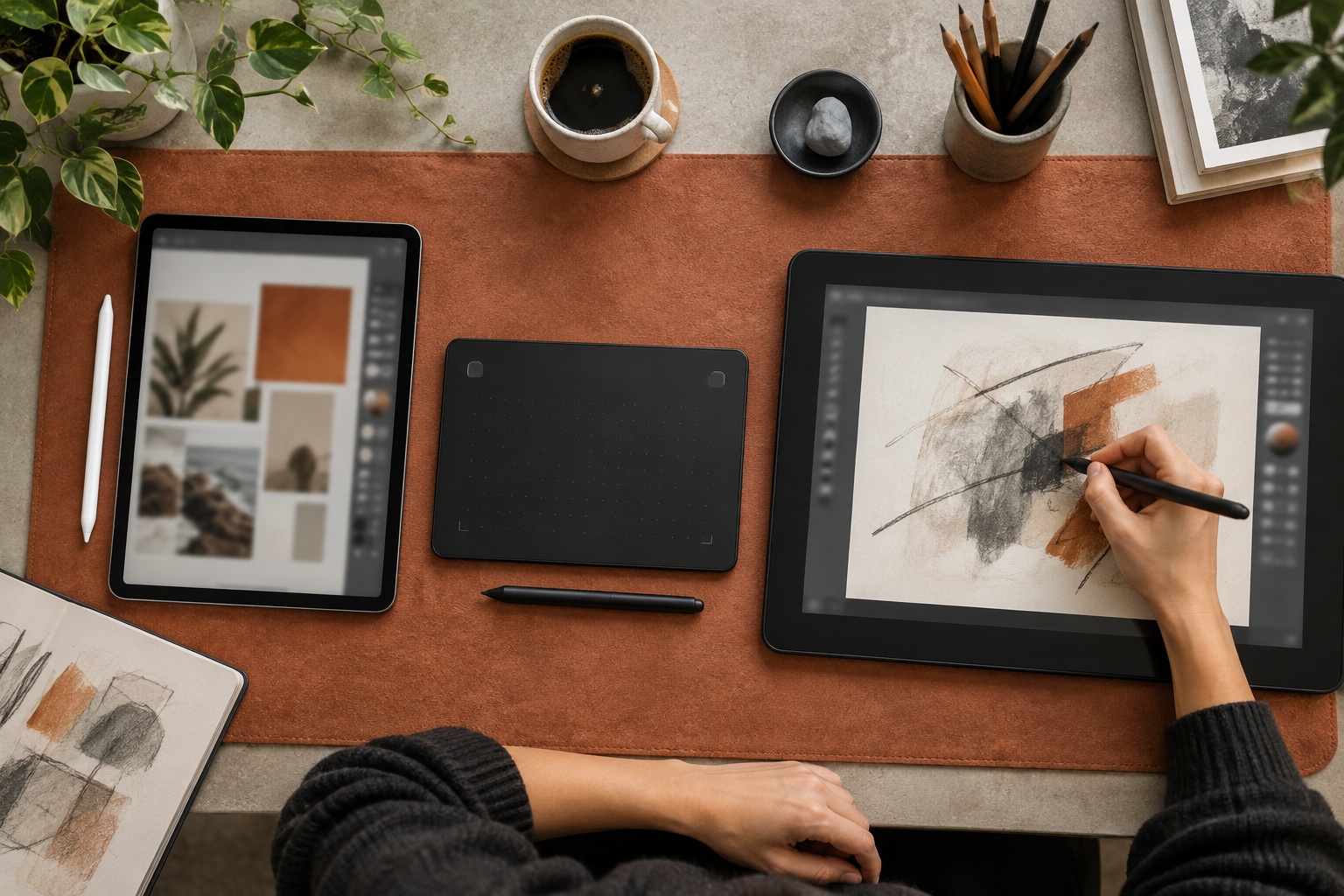
The hard part is picking the right type of device. There are three broad families, each with real trade-offs: standalone tablets like the iPad, pen tablets you draw on while looking at your monitor, and pen displays you draw on directly. Here's how we'd decide between them.
The three options in one paragraph each
Pen tablets are flat drawing surfaces without a screen. You draw on the desk and watch the cursor on your monitor. They're the most affordable route, they keep your eyes on a large colour-accurate monitor and they let you sit upright. The catch is hand-eye coordination: it takes a week or two before drawing on one surface while looking at another feels normal.
Pen displays are screens you draw on directly, connected to your computer. They feel the most like paper for detailed work, but they cost more, take up desk space and need a decent stand so you aren't hunched over them all day.
Pen computers, such as an iPad with Apple Pencil or an Android drawing tablet, run their own apps and need no computer at all. They're the most portable, but per square inch of drawing area they're usually the most expensive, and your files live in a different ecosystem from your desktop tools.
Start from the work you actually do
Before comparing specs, list the drawing tasks that fill your week. The answer usually points to one category:
- Sketching ideas, wireframes and storyboards away from the desk: a pen computer such as an iPad.
- Photo retouching, masking and occasional vector work inside desktop apps: a pen tablet next to your main monitor.
- Daily illustration, lettering or detailed brush work: a pen display, or an iPad if you're happy to work in tablet apps.
- Reviewing and annotating design files with clients: an iPad is hard to beat, because it doubles as a presentation device.
If your drawing happens inside desktop software you can't replace, lean toward a pen tablet or pen display. If you can do most of it in tablet apps, a standalone device saves you a lot of cables.
What to look for in the pen
The stylus matters as much as the surface. Creative Bloq's tested round-up of drawing tablets suggests at least 8,192 pressure levels for serious digital art; lower-level pens are fine for casual sketching. Beyond pressure, check for tilt support, low lag, a pen that doesn't need charging (or charges magnetically), and replacement nibs you can actually buy.
On the iPad side, the Apple Pencil Pro adds a squeeze gesture that opens a tool palette, "barrel roll" that rotates shaped brushes as you turn the pen, haptic feedback and hover, alongside pressure and tilt. MacRumors lists it at $129, and it only works with recent iPad models, so check compatibility before you buy one.
Size, surface and ergonomics
Bigger isn't automatically better. A large active area suits sweeping arm strokes, while a small one suits wrist-driven detail and travel. As a rule of thumb, around 16 inches and up suits full-arm drawing, and smaller devices suit travel and casual use.
Surface feel is the other big factor. Many tablets have glossy glass that feels slippery under a plastic nib. Matte-etched screens or paper-like screen protectors add friction and cut glare, at a small cost in sharpness.
Ergonomics deserves attention because you'll use this for hours. With a pen display, budget for a stand that tilts it to a comfortable angle. With a pen tablet, keep it close enough that your elbow rests on the desk. With an iPad, a folding stand stops you craning your neck over a flat screen.
Software, drivers and colour
For pen tablets and pen displays, driver quality matters. Wacom has a reputation for stable drivers across major creative apps, while budget brands can take more setup. Read recent user reports for your operating system before you buy.
If you do colour-critical work on a pen display, check its gamut coverage and whether it can be calibrated. Otherwise do your final colour checks on your main calibrated monitor.
Current options at different budgets
Here are examples from Creative Bloq's tested list, with the prices it quoted at the time of writing. Prices move, so treat them as a guide:
- Budget pen tablet: Ugee M908, about $49, with a 10 x 6.25 inch active area and 8,192 pressure levels.
- Mid-range pen tablet: Wacom Intuos Pro Medium at $379.95, or the Xencelabs Pen Tablet Medium Bundle at $329.99 with a larger active area.
- Value pen display: Huion Kamvas 22 (Gen 3), a 21.5-inch 2560 x 1440 screen with a 90Hz refresh rate and 16,384 pressure levels.
- Portable pen display: Wacom Movink 13, a 13-inch OLED display that's easy to carry.
- Android pen computer: Wacom MovinkPad Pro 14 at $899.95, with a 3K OLED screen.
- iPad: iPad Pro with M5, paired with the Apple Pencil Pro.
- Studio flagship: Wacom Cintiq Pro 27, a 4K pen display from $3,499.
Check what's in the box
Total cost is often higher than the headline price. Some brands leave out the stand, cables or shortcut remotes. An iPad needs the pen bought separately and, for many designers, a keyboard case and a screen protector. Add these up before you compare.
Conclusion
There's no single best drawing device for designers, only the best fit for your work. If you mostly retouch and refine inside desktop apps, a pen tablet is the most comfortable and affordable choice. If you illustrate every day, a pen display pays for itself. If you sketch, review and present on the move, an iPad with a pressure-sensitive pen is the most flexible. Start with the tasks you do weekly, check pressure, size and ergonomics, and budget for the accessories you'll actually need.