Canva Craft and Brush: what Canva's own AI models mean for designers
In one week Canva launched Craft, its first image model, and Brush, a model that edits designs step by step. Here is what they do and why it matters.
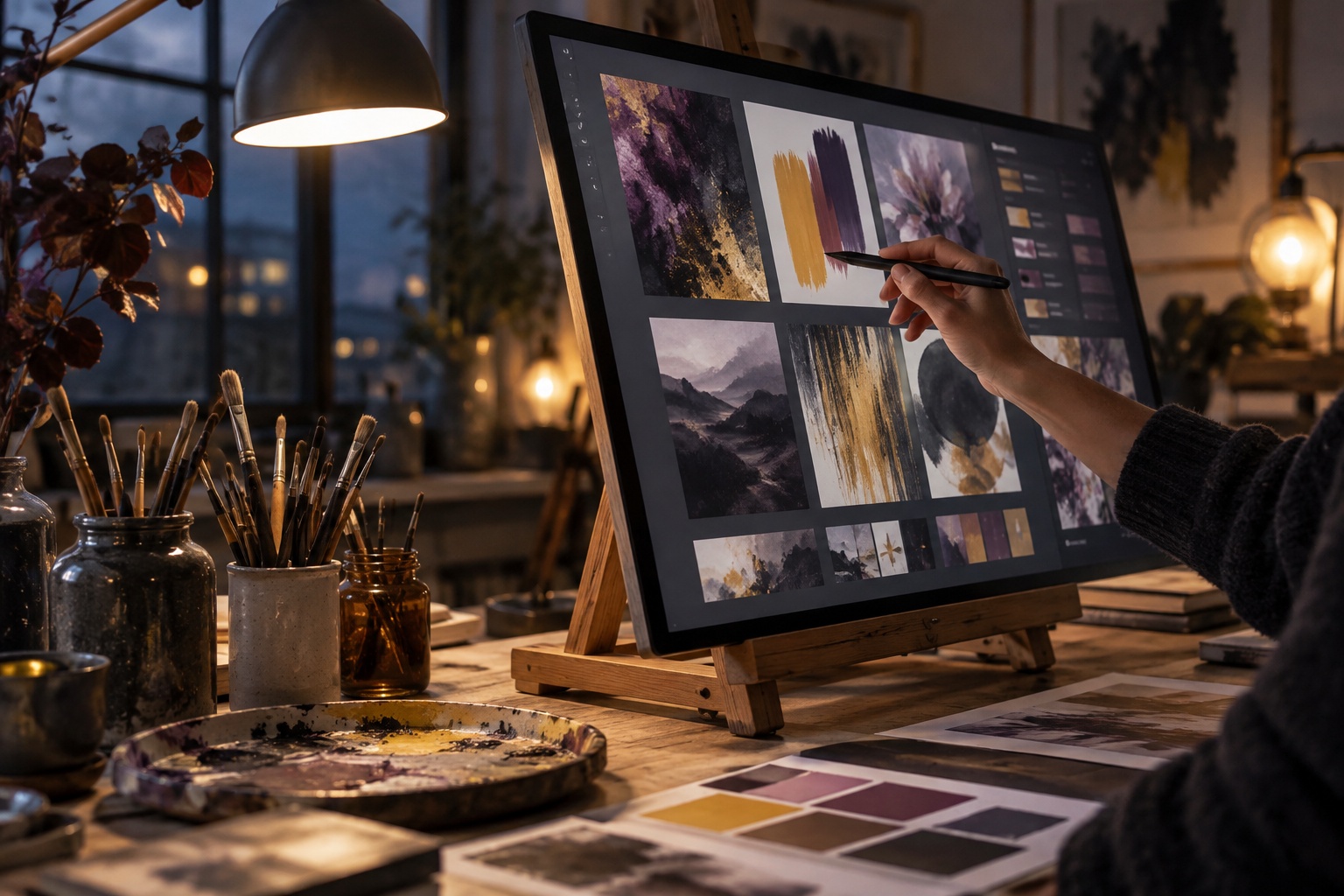
In the last two weeks of October 2026, Canva shipped two AI models it built itself. On October 22 it released Canva Craft, its first image generation model. A week later, on October 29, it launched Brush, which Canva describes as its first vision-language model built for design. Both come from Canva Research, the company's in-house AI lab, which Fast Company reports has about 160 people.
Canva previously relied on third-party image models for much of its AI output. Building its own models changes what Canva can control: quality, speed and cost. For designers who hand work to clients who live in Canva, and for founders who make their own marketing assets, it is worth knowing what these models do and where their limits are.
Canva Craft: an image model trained on designs
As TechCrunch reported, the main difference between Craft and general image models is its training material. Canva says Craft was trained on human-designed Canva templates such as posters, social posts, presentations, infographics, menus and typography-heavy layouts, rather than mostly on photographs.
Craft works in two stages. First it reads the prompt and makes a plan: where elements go, how big they are relative to each other, the visual hierarchy and the text content. Then it generates the image. The details Canva has shared:
- Output up to 2K resolution.
- 30 aspect ratios for different platforms.
- Legible text and accurate object details.
- Precise edits that leave the rest of the image unchanged.
- Images can be turned into layered designs with Magic Layers, Canva's image-to-design tool.
Craft is available to all Canva users from the Dream Lab tab and through the Canva API. Canva also says it plans to bring Craft image generation to third-party chatbots such as ChatGPT and Gemini through its MCP, without a timeline. Two cheaper versions, Craftfast and Craft-ultrafast, are in development.
Brush: editing a design the way a designer would
Brush tackles a different problem. Most AI design tools take a prompt and return a finished graphic in one step. If you then ask for one change, unrelated parts of the design often shift too. According to Fast Company's coverage, Brush builds designs step by step, following a process learned from real design workflows, and keeps track of how its design decisions connect so that one edit does not quietly change everything else. Its outputs stay fully editable.
Canva summed it up in a post on X: "Brush sees your design's layout, layers and vibe the way you do, and edits alongside you."
Canva's own performance claims are that Brush runs up to 69% faster than its previous design agent and that each editing task costs 46% less. These are company figures, not independent tests. At launch Brush is limited to Canva Pro subscribers, with wider availability planned. Canva says brand kit support and the ability to reference attachments are in development.
Why Canva is building its own models
The business reason is control. Running your own model lets you tune quality and speed for your exact use case and can lower the cost of every generation, which matters at Canva's scale. TechCrunch notes that researchers from Leonardo.ai, which Canva acquired in 2024, worked on Craft.
The design reason is more interesting. General image models are good at pictures and still weak at layouts, hierarchy and type. By training on templates and building an editor model that understands layers, Canva is going after the part of design work that general models handle worst: structured, editable layouts.
What it means for designers
If you design for clients, some of the small production work you used to quote for, such as social variants, event posters and simple promo graphics, is getting easier for clients to make themselves. That is not new, but models trained on real layouts and able to edit without breaking things make the results more usable.
The practical response is to make your systems easy to extend rather than to compete on one-off assets:
- Hand over real templates, not just flat files. If a client will use Canva anyway, give them locked, well-built templates so AI edits start from your system.
- Write clear brand rules. Once brand kit support reaches Brush, the quality of the kit will decide the quality of the output. Colour roles, type scale and logo spacing should be explicit.
- Charge for direction. Concept, art direction and identity work are still where judgement matters most. Position your offer there.
What it means for founders
For founders who make their own marketing assets, Craft is the easiest one to try because it is open to all users in Dream Lab. Test it on the formats you produce every week, such as social posts, event graphics or a menu, and check text accuracy carefully before you publish. Brush is worth a look if you already pay for Canva Pro and spend time fixing AI drafts by hand.
Keep a few cautions in mind:
- Speed and cost numbers come from Canva and may differ in your own work.
- Brush is Pro-only for now, and some features, such as brand kits, are not there yet.
- AI output still needs a human check for spelling, hierarchy and brand fit.
Conclusion
Craft and Brush show Canva moving from reselling other companies' AI to building models around how design actually works: layouts, layers and step-by-step edits. For designers, the useful move is to supply better systems and templates that these tools can extend. For founders, Craft is open to every Canva user now, and Brush is worth testing if you are already on Pro. In both cases, treat the output as a draft that still needs your eye.