Designing with AI without losing your taste
AI can draft layouts, copy and images in seconds. Here is a practical workflow for using it as a fast assistant while keeping direction, taste and final decisions firmly yours.

AI tools can now produce a landing page layout, a set of headlines, or a hero image faster than you can open a new Figma file. That speed is real, and ignoring it is no longer an option for working designers. But speed has a side effect: when every draft looks "fine", it gets harder to notice when nothing looks like you.
The goal is not to avoid AI or to hand everything over to it. It is to use it where it is genuinely strong and keep the decisions that define your work in your own hands. Here is the workflow I use.
1. Decide the direction before you open any AI tool
Most "generic AI design" problems start with an empty prompt. Ask a model for "a modern SaaS landing page" and you get the average of every SaaS landing page it has seen. That is exactly what you should not ship.
Before generating anything, write down three things in plain words:
- Who it is for — one specific person, not a market segment.
- What it should feel like — two or three adjectives, plus one thing it should never feel like.
- One reference that is not a website — a book cover, a product, a place. This pushes you away from the usual patterns.
This takes ten minutes and becomes the brief you give to every tool afterwards. The AI follows your direction instead of inventing one.
2. Use AI for volume, not for the final answer
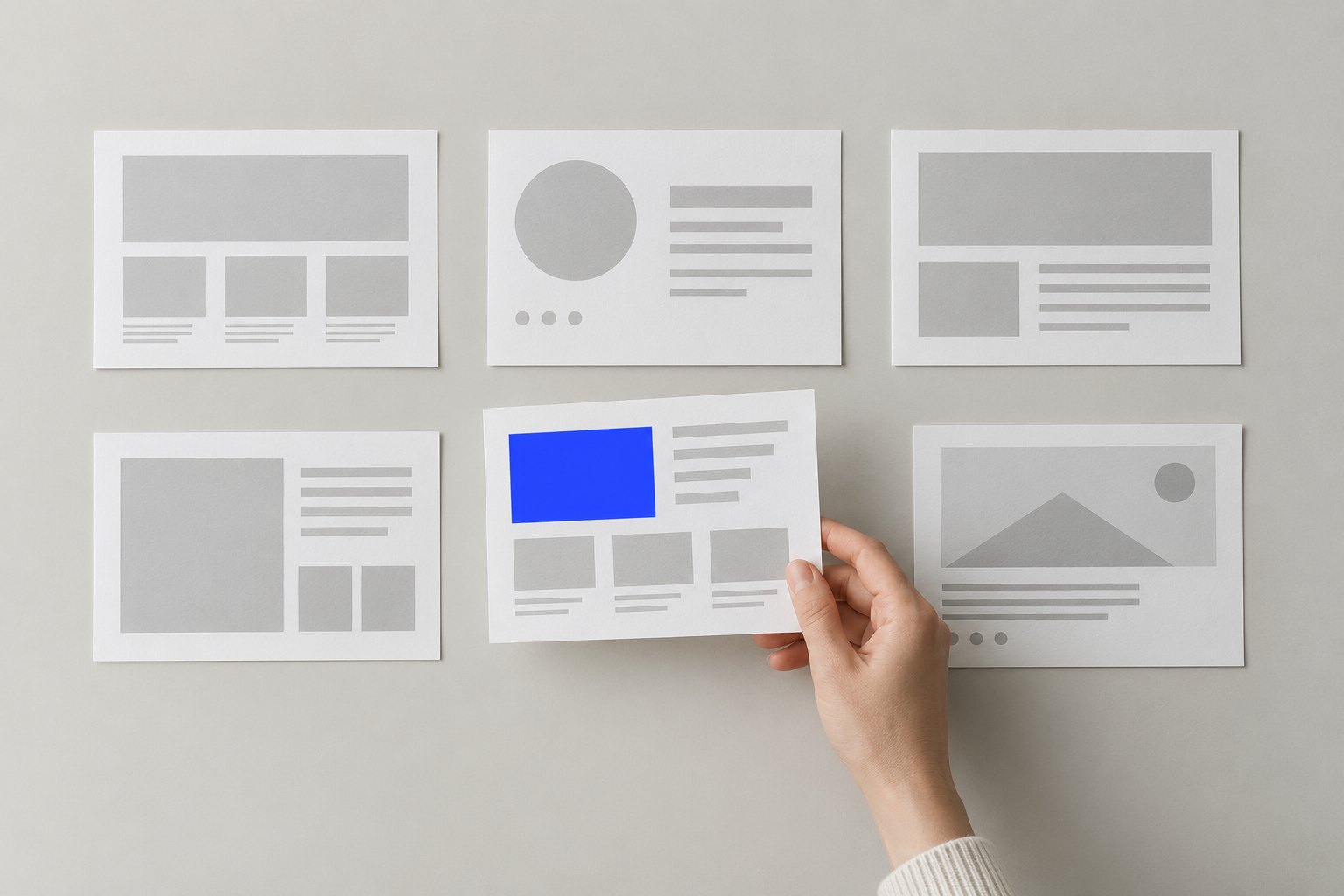
AI is excellent at producing many options quickly. Use that. Ask for twenty headline variations, ten colour palette directions, or five different section structures. Then do the part that actually requires a designer: choose.
A useful rule: never ship the first output, and rarely ship any output unchanged. Treat each result like a junior designer's first pass — something to react to, combine and refine. The value is in the editing, and editing is where your taste shows.
3. Keep the system decisions human
Some decisions shape everything downstream: the type scale, the spacing system, the grid, the core colour tokens, the way components behave. These are worth making deliberately, by hand, even if AI suggests them first.
Once the system is set, AI becomes much more useful. You can ask it for a pricing section "using a 4px spacing scale, one sans-serif family and only the three brand colours", and the result will fit. Without a system, every generated piece pulls the design in a different direction and you spend more time fixing than you saved.
4. Write better prompts by describing constraints
Good design prompts are less about clever wording and more about constraints. Compare these two:
"Make a hero section for a portfolio."
"Hero section for a product designer's portfolio. Left-aligned, large serif headline under eight words, one short line of supporting text, one primary button, no stock photos, generous whitespace, calm and confident tone."
The second prompt does not ask the AI to be creative. It asks it to execute inside a frame you already chose — and that is where these tools perform best.
5. Use AI images as material, not as the finished visual
Image generators are great for moodboards, textures, backgrounds and quick concept visuals. They are weaker when you need consistency across a whole product or brand. A practical approach:
- Generate several directions early, while the brief is still flexible.
- Pick one style and save it as a reusable prompt, so future images stay consistent.
- Crop, colour-correct and combine results with your own type and layout instead of dropping them in as they are.
- Avoid prompts that imitate a specific artist or brand. It is a legal risk, and it makes your work look borrowed.
6. Review everything with a checklist
Generated work has predictable weak spots. Before anything goes live, check:
- Copy — is it specific, or full of vague words like "seamless" and "next-level"?
- Hierarchy — is there one clear focal point per section?
- Accessibility — contrast, text size and focus states, which AI often ignores.
- Consistency — do spacing, corner radii and colours match your system everywhere?
- Details — odd hands in images, broken icons, edges that almost line up.
7. Protect your own learning
The biggest long-term risk is not bad output. It is slowly losing the skills that let you judge output in the first place. If AI always drafts the first layout, you stop practising layout.
One simple habit helps: for anything important, sketch your own rough version first — even five minutes on paper — and only then compare it with what AI produces. Sometimes the AI version is better and you learn from it. Often yours has an idea the AI would never reach, because it came from your understanding of the client.
The real advantage
Everyone now has the same tools, so the tools alone are no longer an advantage. What separates good work is what always did: clear thinking, a strong point of view and the patience to refine. AI simply removes the slow parts in between.
Use it to move faster through drafts. Keep the direction, the system and the final call for yourself. That is how your work stays recognisably yours.